Published on June 23, 2026

 Pro
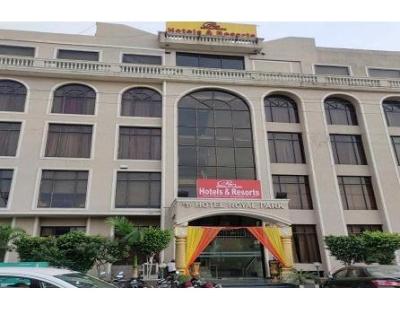
Hotel Royal Park
Today 17:48
 Pilots Pathway
Today 17:47
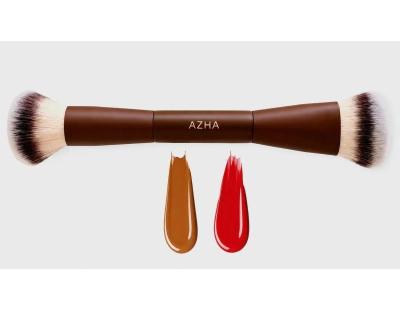
 Azha Brushes
Today 17:39
 Aumilk
Today 17:39
 jicijeb676
Today 17:38

 Pro
Auto Repair Perth
Today 17:38

 Prosperity Health services
Today 17:34
 Tech Pratham
Today 17:29
 Solarestique
Today 17:26
 Ager Oliva AgrIcolture Company LTD
Today 17:24
 Bidsmith
Today 17:10
 Traneiraq
Today 17:06
 Traneiraq
Today 17:03
 Traneiraq
Today 16:59
 Virtual House
Today 16:44
 ETS BARBEIRA
Today 16:37
 Namastetu Technology
Today 16:21
 Traditional Building
Today 16:19

 Pro
Dynamic Rubbers Pvt. Ltd
Today 15:50

 Pro
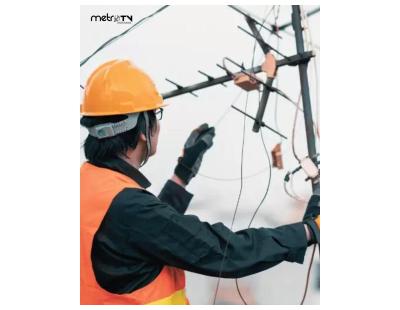
Metro TV Antenna
Today 15:34
 Myoho Marketing
Today 15:08

 Pro
Yusuf Javed
Today 15:03

 Pro
L.A.F. TECHNOLOGIES PTY. LTD
Today 14:59
 Vaibhav Jalan
Today 04:59
 fanyuan
6 months
 Sam Dee
8 months
 BCI Label Corporation
7 months
 John686
Tuesday 03:20
 escortkubota
2 months
 Jenny Whiteside
4 years

 Autera Clemens
1 year
 John Dave
3 months